
A printed menu board is out of date the day a price changes. Then comes the tape, the marker and the "ask about today's special" sign that has been up since summer. A digital menu board fixes that: change a price or swap breakfast for lunch from your phone, and the wall updates. The good news for a small shop is that you need far less than the big chains to do it.
In short
- A digital menu board is a screen, a small player box, a way to change the content and a steady network connection.
- Readability from the counter matters more than animation: big prices, high contrast, fewer items per screen.
- Chains have calorie-posting rules. A single-location shop usually doesn't, but check what applies to you.
What you actually need
- A screen. Often the TV you already own.
- A small player box behind the screen that shows the content.
- A way to change the content — an app or a service that updates the screen for you.
- A steady network connection, wired if you can.
That is the whole list. Everything else is extras.
Consumer TV or commercial display?
A regular TV is fine for plenty of small shops, especially inside, away from windows, for normal business hours. A commercial display earns its keep when the screen runs long hours every day, faces a sunny window or sits somewhere hot. Either way, read the warranty — some consumer TV warranties do not cover commercial use, and that is worth knowing before the screen fails in month thirteen.
Design it to be read from the counter
A menu board has one job: let a customer decide before they reach the register. That means:
- Big, high-contrast text you can read from the door
- Prices that line up and stand out
- Fewer items per screen; split into categories
- Photos only for your best sellers
- Calm motion — no spinning, no flashing
- Breakfast, lunch and dinner on a schedule
Rotating slides are tempting, but a customer who has to wait for "the sandwich screen" to come back around is a customer holding up the line. Keep the core menu still and use one screen, or one corner of a screen, for specials and promotions.
Keep it in step with the register
The board and the POS should never disagree about a price. Whoever changes one should change the other the same day, or better, from the same list. If your register and your board are both run by the same people, it gets a lot easier — see our POS and merchant processing work.
The calorie rules worth knowing
Federal rules require restaurants that are part of a chain with 20 or more locations, operating under the same name and selling substantially the same menu, to post calories for standard menu items on menus and menu boards, along with a statement about daily calorie needs. New York City has its own rule that reaches chains with 15 or more locations in the US. A single independent deli or cafe is generally not covered by either, but rules change and other local requirements may apply, so check what applies to your business before you design the board. The upside of a digital board: if you ever need to add calories, it is an edit, not a reprint.
Mounting and network, done right
- Height and angle so the top row is readable from the back of the line.
- Keep it away from fryer heat and grease, or use a display rated for it.
- A recessed outlet and a network jack behind the screen, so no cords hang down the wall.
- A wired connection where possible, on its own network, separate from your card terminals and guest Wi-Fi. We explain why in restaurant Wi-Fi setup.
A screen that does more than the menu
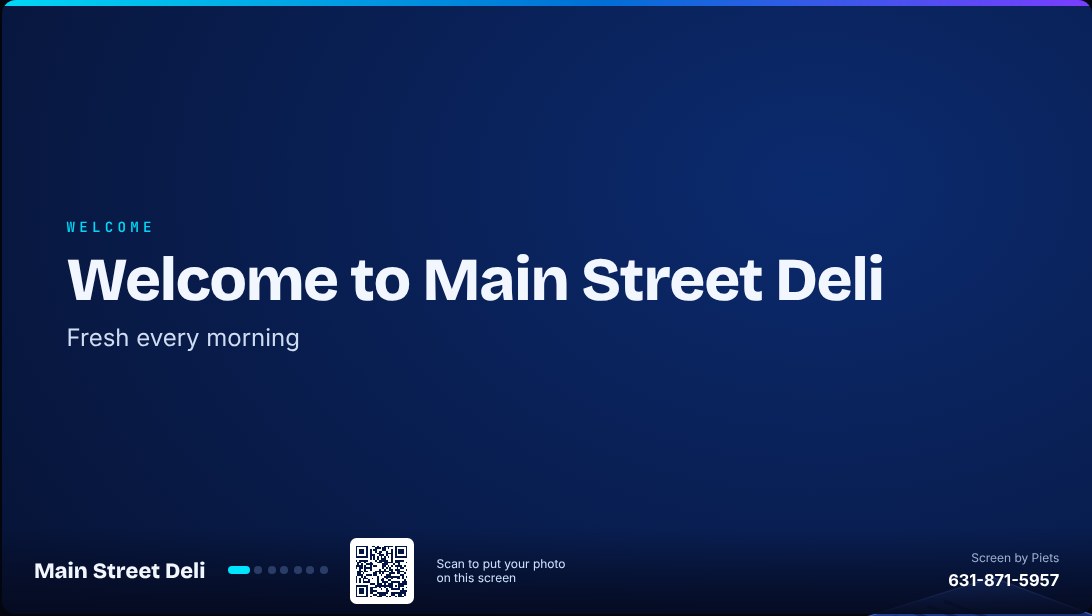
Once the TV is connected, it can do more than list prices. That is the idea behind the Piet Box: one small box that turns any TV into a menu board, a promo screen and a photo wall your customers fill. You plug it in, the screen shows a QR code, and Piets runs it for you every month — send us your menu, specials and photos and we keep the screen fresh. Customers can scan a code to post a photo, local businesses can scan another to ask about advertising, and nothing shows on your screen until it has been approved. There is a free demo builder on the Piet Box page that shows how a screen for your type of business would look.
How we set it up
Piets Technology Solutions installs digital menu boards, mounts the screens and runs the cable for restaurants, delis, cafes and shops across Long Island, NYC and the Hudson Valley, and we can set up the register and network at the same visit. Every job is quoted to your space.
Call or text 631-871-5957. Questions? We're here 24/7.
Common questions
Can I use a regular TV as a digital menu board?
Yes, for many small shops. A commercial display is worth it for long daily hours, sunny windows or hot spots, and it is worth checking whether your TV's warranty covers commercial use.
How do I change prices on a digital menu board?
From an app or by sending changes to whoever runs the screen. With the Piet Box, you send your menu, specials and photos and Piets keeps the screen up to date.
Do small restaurants have to post calories on menu boards?
The federal rule covers chains with 20 or more locations, and New York City's rule covers chains with 15 or more US locations. A single independent shop is generally not covered, but check what applies to your business.
Does a menu board need Wi-Fi?
It needs a connection to receive updates. A wired connection on its own network, separate from your card terminals and guest Wi-Fi, is the most reliable.

Piets Technology Solutions
Low-voltage tech for homes and small businesses — cameras, Wi-Fi, cabling, POS, phones and 24/7 support across Long Island, NYC, the Hudson Valley and the Capital Region. Wi-Fi, Wires, Whatever — Piet Makes It Better